XR Radio – Multi-Channel Handheld Radio
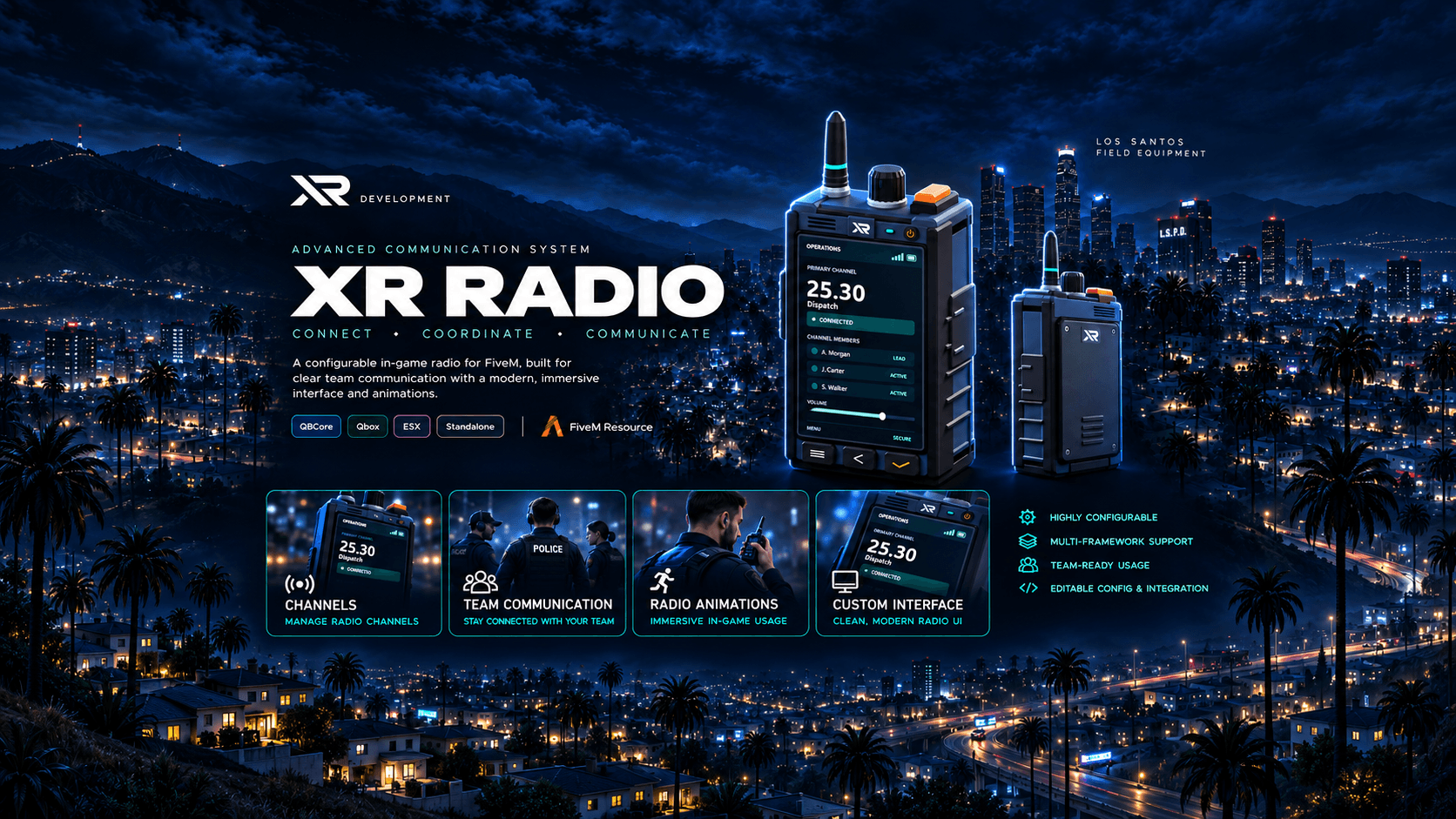
XR Radio is a complete radio system for FiveM, built on pma-voice. Players stay connected to several channels at once, split every channel into private rooms and control everything on the touch screen of an original XR handheld. A live overlay shows who is on the channel and who is talking.
It is made for serious roleplay servers: protected police and EMS channels, a priority speaker on every channel, emergency alerts with a map blip, unit status with acknowledgements, a speaking queue, temporary team channels and an in-game channel editor for your staff. Every choice a player makes on the radio is saved per character.
XR Radio runs on Qbox, QBCore, ESX or standalone, works with ox_inventory and the other popular inventories (or without any item), detects your framework and inventory automatically and ships in 14 languages.
Rooms Inside Every Channel
- Every channel has four rooms, A to D. Everybody joins room A.
- Tap B, C or D on the channel page to move yourself to another room. Nobody has to change the frequency for a private talk.
- The whole channel stays listed for everyone, but only members of the same room hear each other and see each other talking.
- Members of other rooms are greyed out with their room, and every room button shows how many people are in it.
- The overlay shows your room next to the frequency while you are not in room A.
- Room names are configurable (2 to 8 rooms). Prefer the classic style? Switch rooms off and the same buttons become four push-to-talk groups.
Channels & Talking
- Up to 4 channels at the same time (up to 16 by config), each with its own microphone switch, speaker switch and volume
- Frequencies with two decimals (25.30), or with three (111.111) after one config change, plus named channels such as PD1 or EMS1
- The first player on a new frequency owns it and can protect it with a password. Repeated wrong passwords lock the player out for a while.
- One push-to-talk key talks on every channel whose microphone is on. Extra keys are optional, and the side PTT button on the device works too.
- Focus listening: hear only one channel without leaving the others, plus three saved listening mixes
- Per-member volume and mute, call signs and member colours
- One priority speaker per channel, transferable and heard a little louder
- Full duplex (several speakers at once) or half duplex (one speaker per room)
- Players standing next to each other hear the normal voice instead of the radio
- Players who reconnect within 10 minutes return to their channels (protected channels ask for the password again)
- Radio across routing buckets or only inside the same bucket, and a configurable transmission time limit
For Police, EMS and Other Departments
- Protected channels by job, grade, duty, ACE permission or Discord role
- Police channels 1–4 ready out of the box, with optional server-side passwords
- Radio profiles per item: standard, police, ambulance and mechanic, each with its own channel limit, bookmarks, automatic channels, device finish, range and emergency access
- Channel owners can lock their channel, make a member listen-only, remove members and hand over ownership
- Protected channels hide their member count from outsiders
Emergency, Status & Teamwork
- Emergency key: hold the orange key to alert everybody on your channels, with a map blip at your position. A cooldown prevents spam.
- Dispatch hook: fill one function or listen to a server event to pass the alert to your dispatch script
- Unit status (available, en route, on scene, need assistance, off duty) and acknowledgement requests that members confirm with one tap
- Speaking queue: members ask for the word and get a time-limited turn
- Temporary invite-only team channels that close after a set time (1 to 120 minutes)
The Device
- Original XR handheld with a touch-screen interface (NUI, no DUI): keypad, your channels, active channels, favorites, bookmarks, radio tools and settings
- Opens on the page of your current channel, and joining a channel opens its page right away
- LCD status bar with signal, transmit and receive state, the current speaker and quick switching between your channels
- Working side PTT, emergency and power buttons
- Four device finishes (graphite, arctic, olive, signal), custom accent and screen colours, adjustable size
- Your own server logo on the device
- Slides in from the bottom right corner; players can reduce motion in the settings
- Optional: walk while the radio is open
- A first-open setup walks every player through keys, look, animation and sound
- Active channels list with member counts, personal favorites and bookmarks per radio profile
Channel Overlay
- Live overlay with the members and speakers of your channels
- Two styles: channel cards, or a clean transparent list with colour, call sign, name and a talking icon under the connected frequencies
- "Only speakers" mode for a minimal screen
- Players move and resize it on the radio. It follows the screen height, so it keeps its size on 1440p and 4K.
- Server owners choose the default style and position in config.lua
Sound & Voice
- Radio voice effects: digital, analog, tactical and poor signal
- Microphone clicks in three styles, or your own click sounds, plus an optional roger beep. Every player sets their own sound volume.
- Optional range by distance or by radio towers, with dead zones and an underground penalty: a weak signal sounds worse
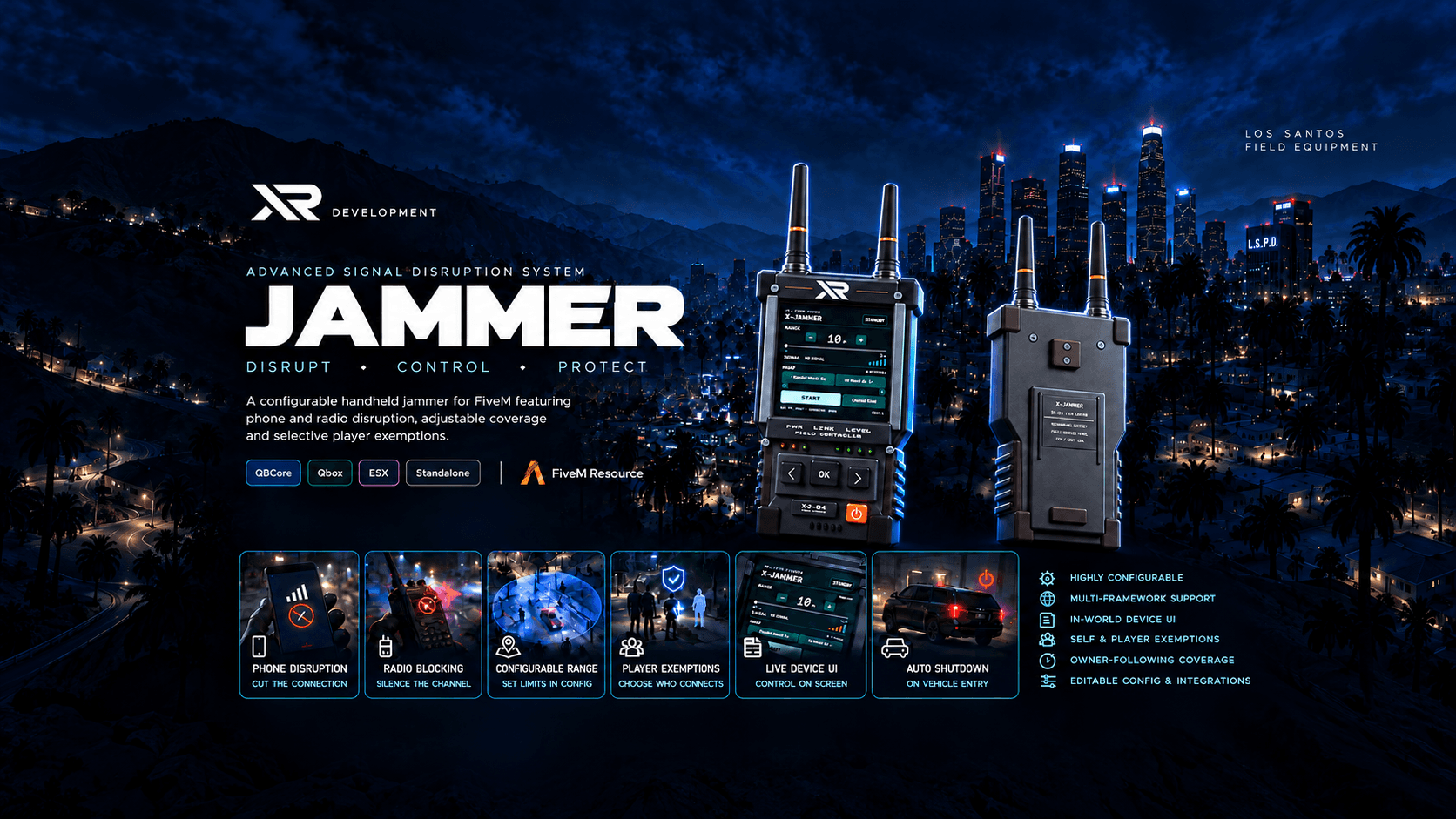
- XR Jammer support: players inside a jammer field cannot transmit
- Works with HUDs that read pma-voice's radioActive state
Animations & the Radio Model
- Original 3D radio model in the hand
- Hand, shoulder, chest and vehicle poses, chosen automatically (a shoulder pose while armed)
- Built-in animations, mg-radioanim support or your own animation resource
- Players pick their animation in the settings, and other players see the radio and the animation
- Model offsets per pose, with an in-game calibration command
Personal Settings
- Keys, volumes, device look, overlay style and position, sounds, animation, favorites and listening mixes are saved per character
- Stored in your database with oxmysql (the table is created automatically), or in files without it
- Revision-checked saving, so old data never overwrites newer settings
Staff Tools
- In-game channel editor: create and edit protected named channels with access rules and passwords, without a restart
- Lock channels, remove players and send announcements to every radio user
- Access through ACE (xr.radio.admin)
- Optional Discord webhook logs for joins, leaves, wrong passwords, emergencies and staff actions
- Connection diagnostics page on the radio
Keys & Commands
- F6 or /radio opens the radio (or use the item), and Left Alt talks while it is closed
- /freq 25.30 joins a frequency (with an optional password), /freqoff leaves every channel, /radioclicks switches the clicks on or off
- Players can set their own keys on the radio: letters, digits, F-keys, Space, Caps Lock, Shift, Ctrl, Alt, arrows and more
- Every default key and command name can be changed in config.lua
Integration for Developers
- Server exports: join and leave players, read channels and members, create, remove and lock channels, block a player's radio for your own reason (prison, hospital, ...) and trigger an emergency
- Client exports: open, close, join, leave, channel volume, overlay visibility, disabling the radio, talking and overlay state
- Server events for joins, leaves, transmissions, room changes and emergencies
- Open editable files for radio names, access checks, transmission rules and emergencies
Framework Support
Qbox
QBCore
ESX Legacy
Standalone (no framework)
Inventory Support
ox_inventory
qs-inventory
tgiann-inventory
codem-inventory
core_inventory
origen_inventory
qb-inventory, ps-inventory and lj-inventory
ESX default inventory
No item at all: the radio opens with a key
Requirements
pma-voice 6.6 or newer
A current FXServer artifact (Lua 5.4)
Optional: oxmysql for settings in the database, OneSync for range, towers and emergency blips
Good to Know
- XR Radio replaces your current radio script (qb-radio, qbx_radio, rp-radio and similar). Two radio scripts on the same item or key would fight each other.
- Radio audio runs through pma-voice. Other voice systems are not supported.
- Rooms are on by default. Set Config.Rooms.enabled = false for classic push-to-talk groups.
- Keep the resource folder name xr-radio: the ox_inventory item export uses it.
- Phone calls stay with pma-voice, and players in a call with each other keep the call audio.
Customization
config.lua documents every option: frameworks and inventories, items and profiles, channels and access rules, police channels, rooms, keys and commands, the overlay, sounds, voice effects, range and towers, animations and the radio model, the emergency alert, logging and Discord.
The language files, client/editable.lua, server/editable.lua, the animation, dispatch, log and Discord integrations and the item files stay open, so you can adapt the radio to your server.
Languages
English, German, French, Spanish, Portuguese (Brazil), Polish, Dutch, Italian, Turkish, Czech, Danish, Swedish, Hungarian and Romanian. The radio screen, the overlay, the notifications and the key binding names are translated, and you can add your own language.
Protected with Cfx.re Asset Escrow.
The package includes the XR radio model, an item image, item entries for ox_inventory, QBCore and ESX, an SQL file for the settings table and a full README with installation, item setup for every inventory, a configuration reference, protected channels, animations, integrations, the developer API and troubleshooting.
Support: XR Development Discord